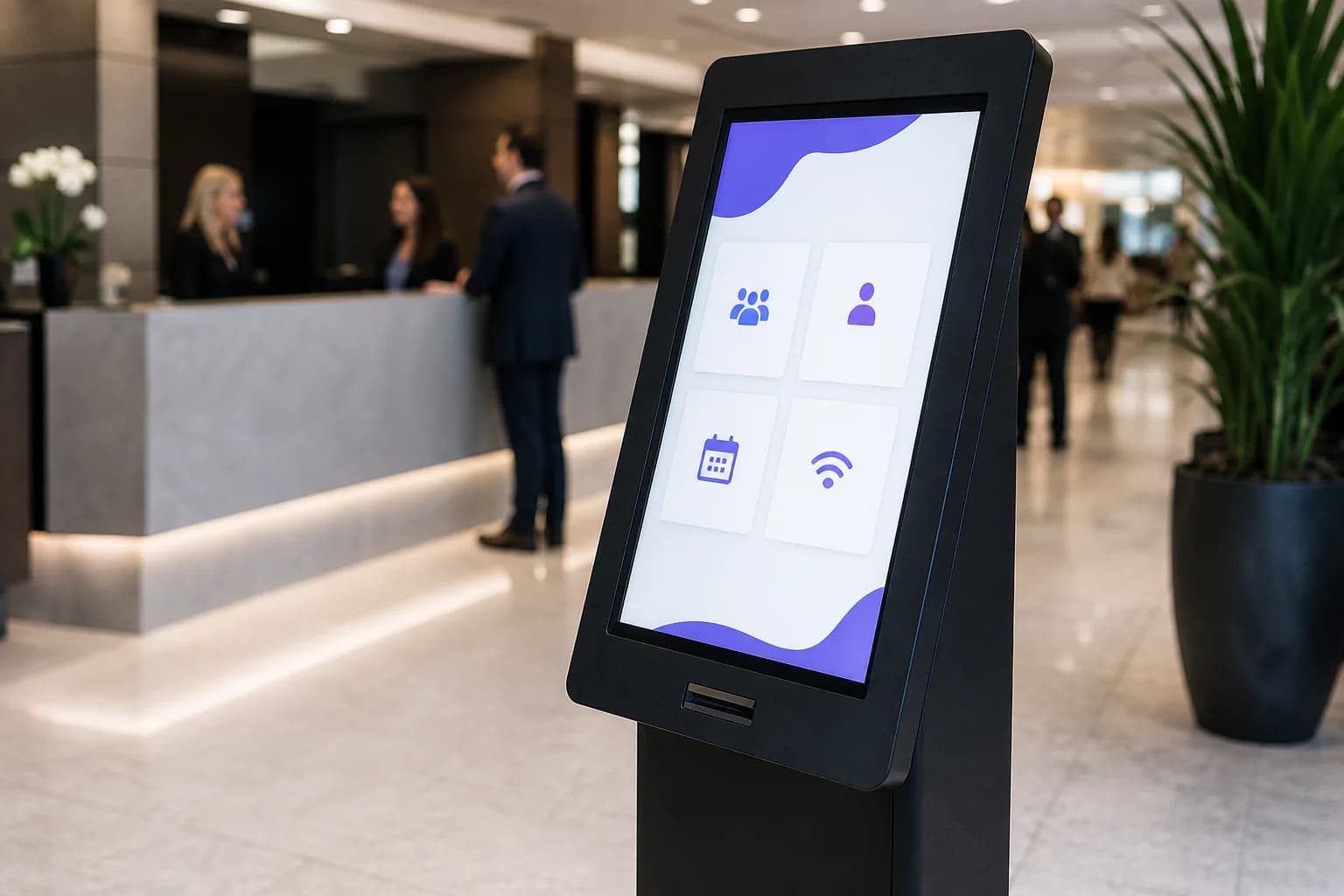
Task
What should the user complete?
Ordering, check-in, wayfinding, product comparison and training all need different layouts, screen sizes and content flows.
Touch only matters when it removes friction: ordering food, finding a store, checking into a clinic, exploring a property or helping a student understand the next step.
C9 GROUP plans the display, placement, content flow, Lumina workflow, installation and support around the moment your customer, visitor or team member is standing in front of the screen.
Kiosks, wayfinding, product discovery, check-in, training rooms and managed support.
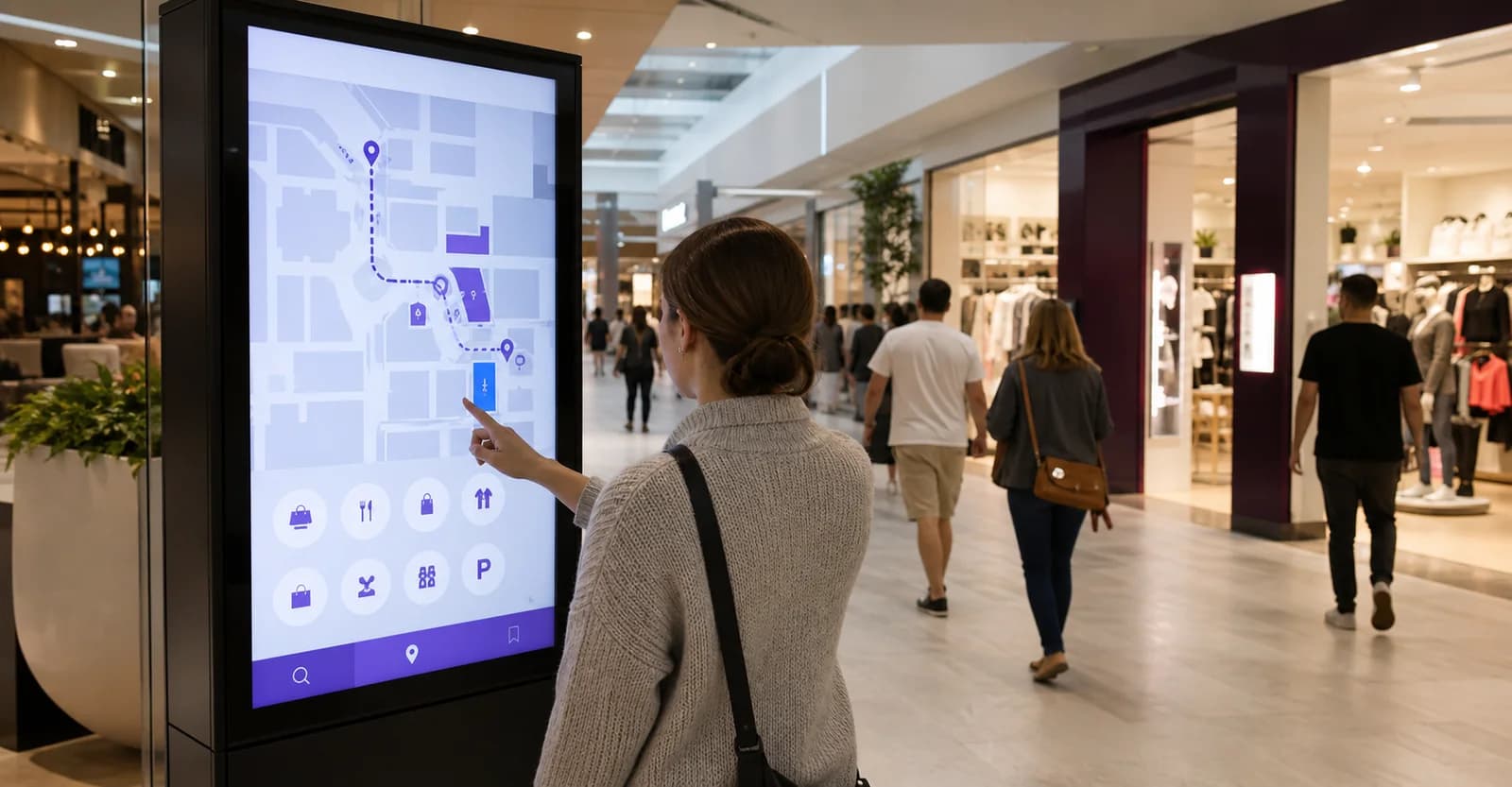
A useful interactive display has a short job: order, find, check in, compare, learn or collaborate. That job decides the screen size, orientation, mounting height and content flow.
If a normal signage screen will communicate the message faster, C9 will say so. If the user needs to take an action, we plan the interactive layer properly.
C9 connects the hardware, touch journey, content updates, install readiness and support model so the display stays useful after the first week.


Built for restaurants, retail, malls, healthcare, real estate, education and customer-facing service spaces.
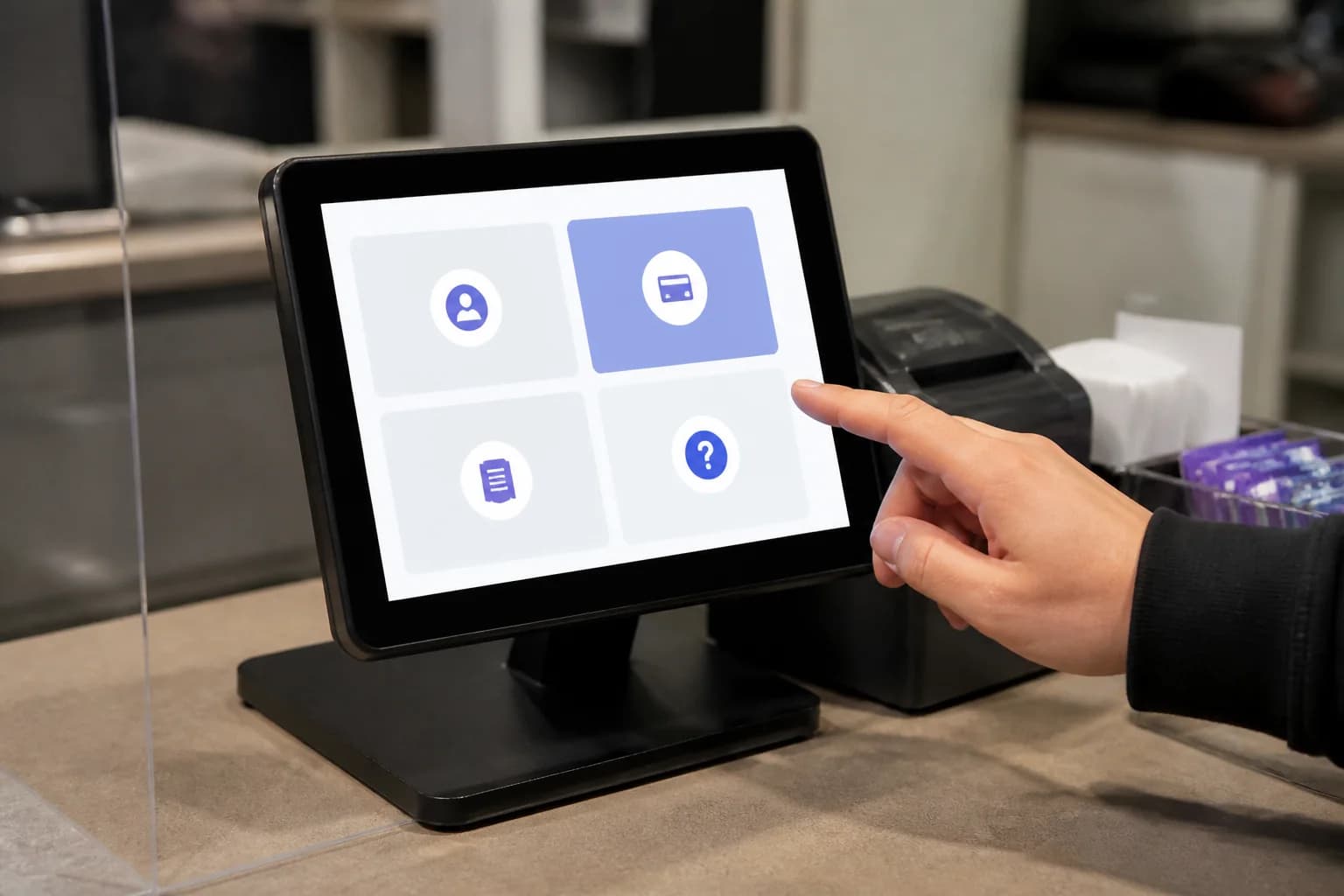
hospitality self-service
32 inch to 55 inch · 4K touch
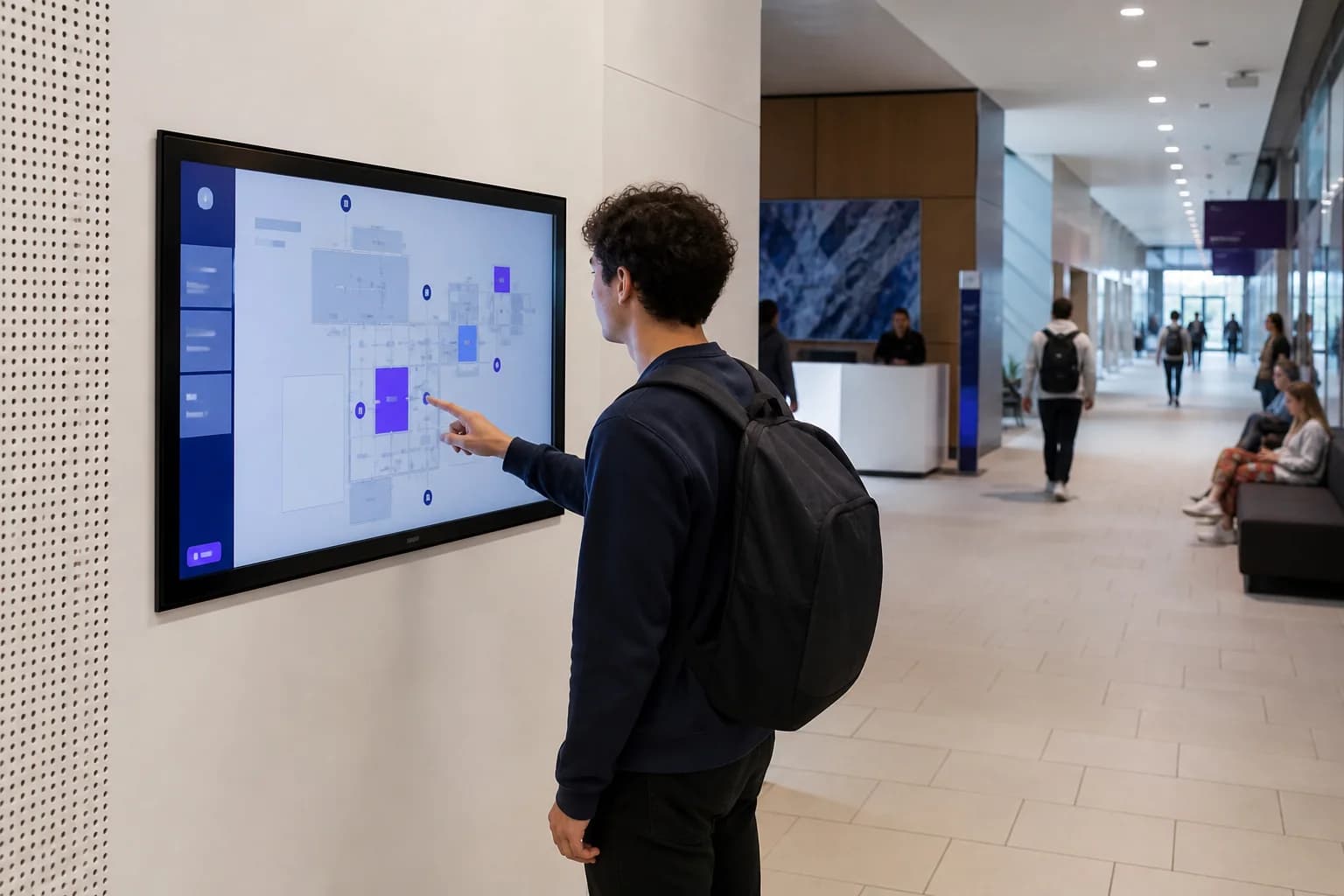
wayfinding display
43 inch to 75 inch · 4K touch
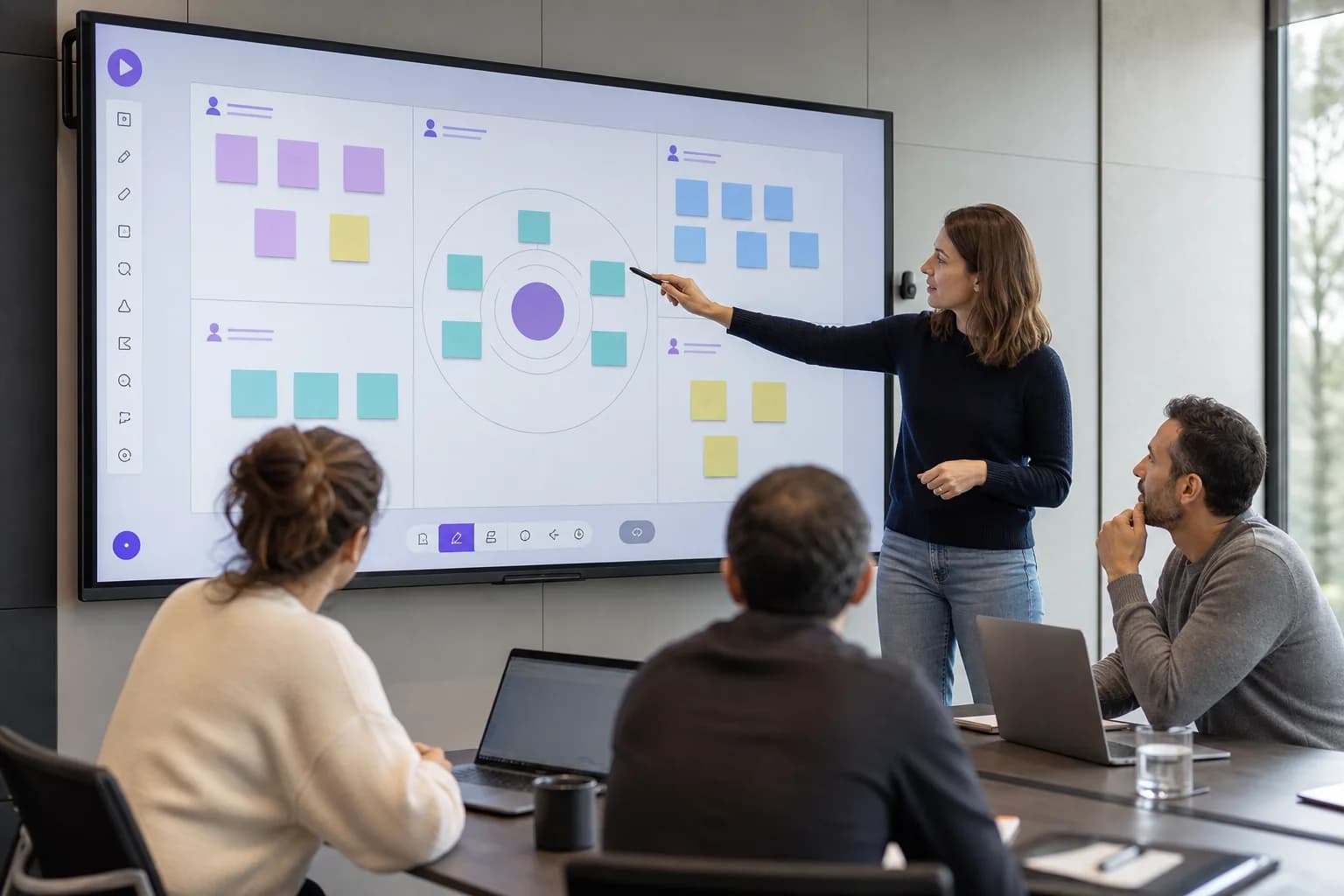
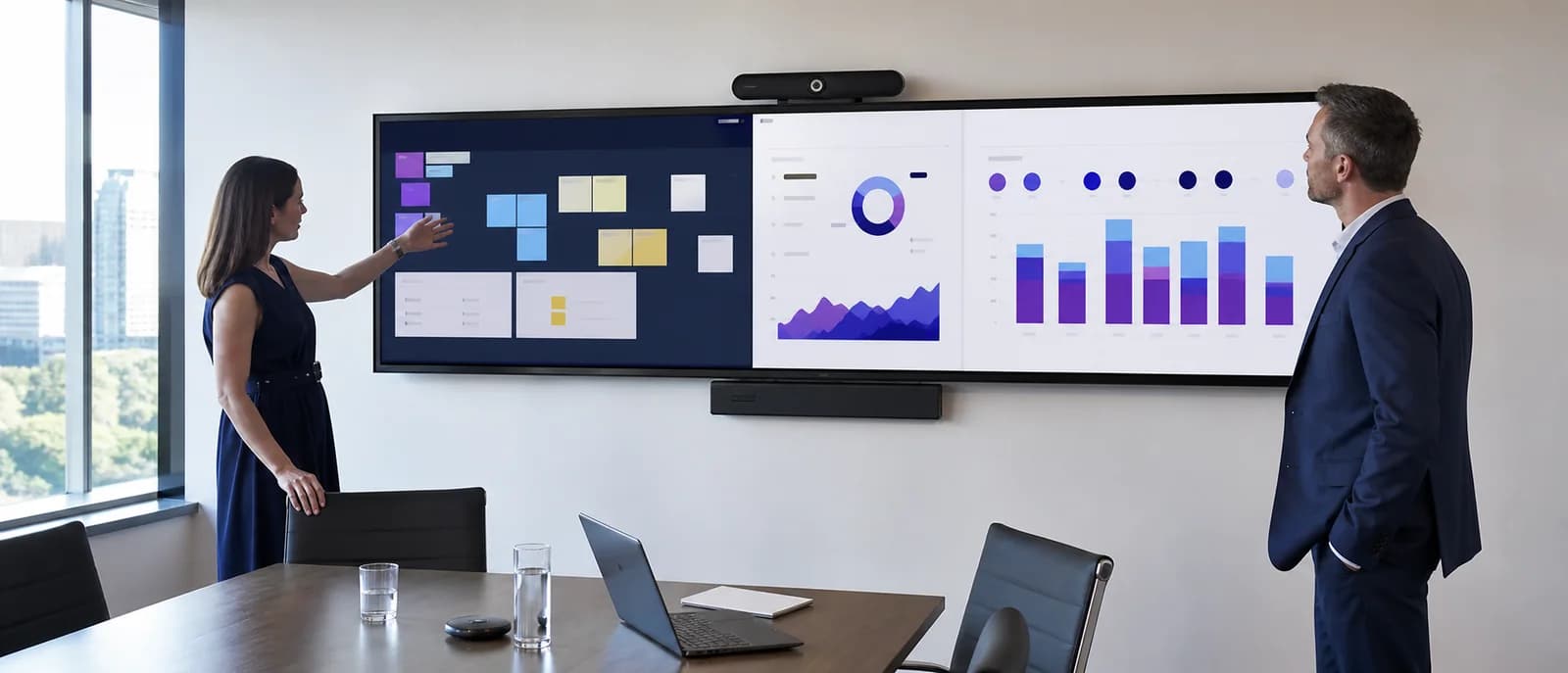
learning and collaboration
65 inch to 98 inch · 4K touch
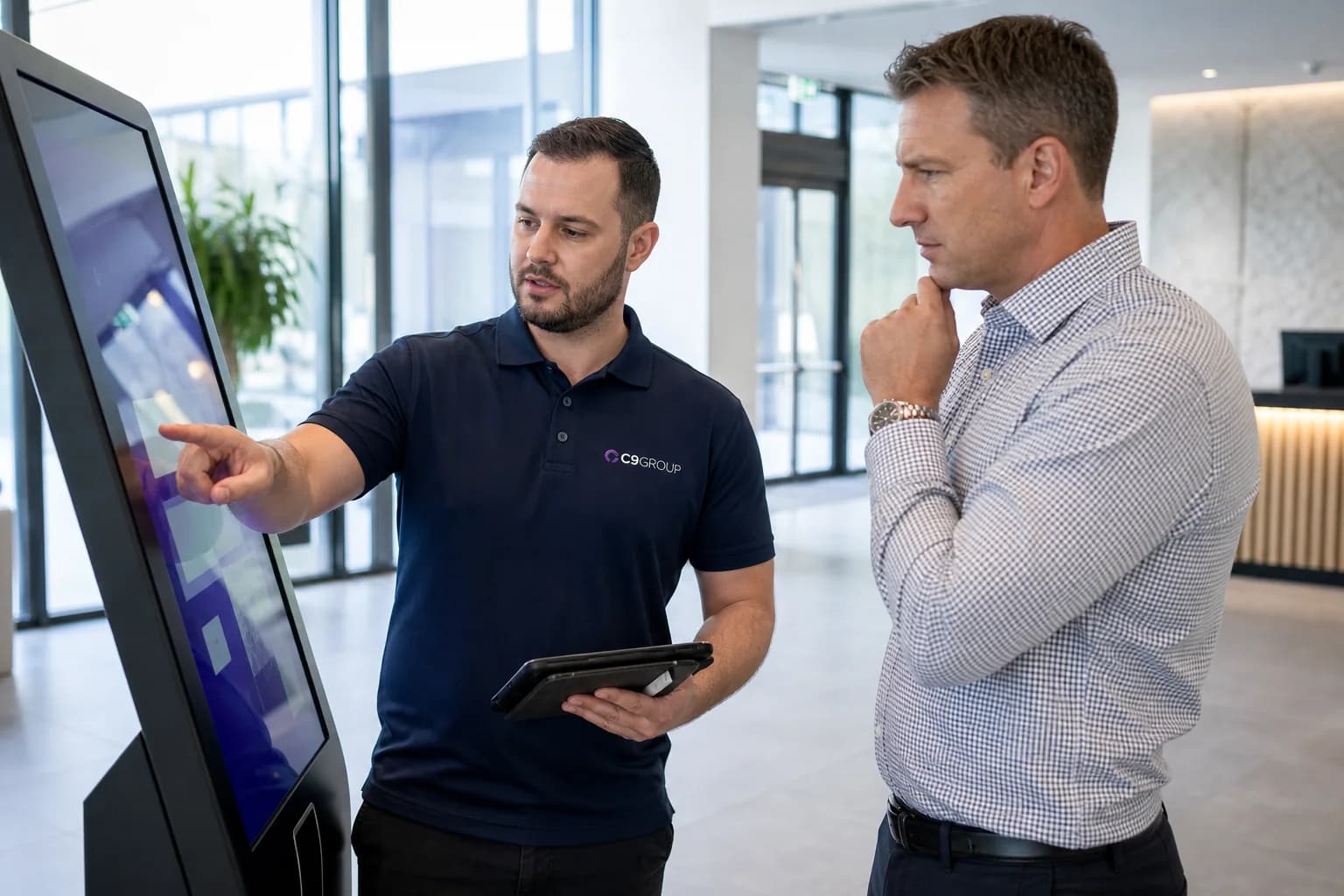
managed handover
Project scoped · Workflow mapped
Interactive displays work when the next step is obvious. A shopper compares products. A patient checks in. A visitor finds the right level. A buyer explores properties. The display earns its place by making that moment easier.
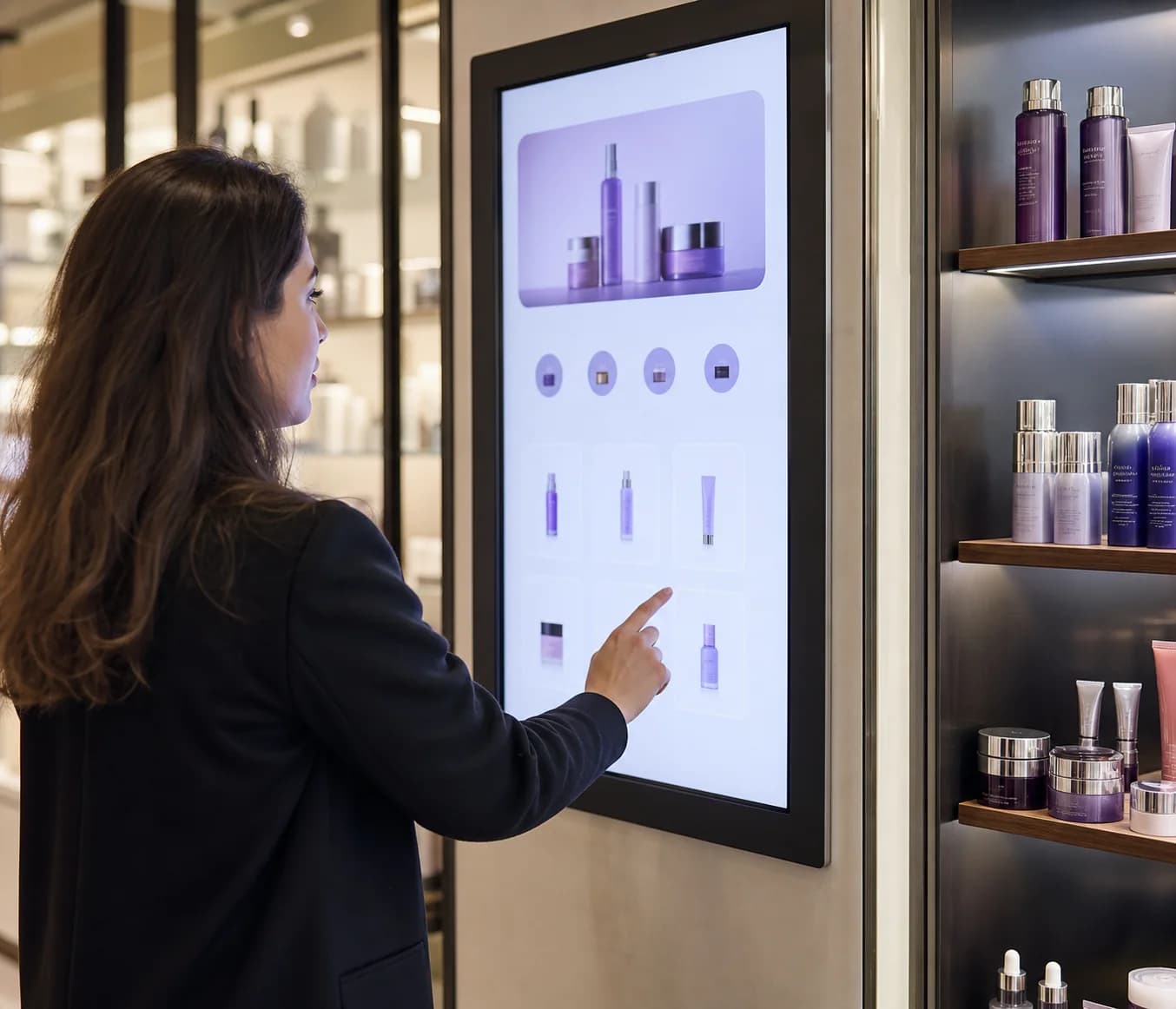
Ordering, check-in and directory tasks can move to the screen while staff focus on higher-value conversations.
Product finders and property displays help customers compare options before they ask for help.
Hospitals, malls, campuses and venues can guide people to the right place with fewer repeated questions.
The display needs a clear owner for content, updates, support and changes after the launch day.
The screen is only one part of the project. C9 helps confirm the task, the physical placement and the operating model before recommending interactive display hardware.
Task
Ordering, check-in, wayfinding, product comparison and training all need different layouts, screen sizes and content flows.
Placement
Mounting height, reach, glare, privacy, dwell time, traffic flow and accessibility are checked before hardware is selected.
Ownership
Interactive displays need clear ownership for content updates, support, campaign changes and handover once the screen is live.
Interactive projects cross hardware, user experience, signage content, network access, mounting, privacy and support. C9 keeps those pieces connected from planning through handover.
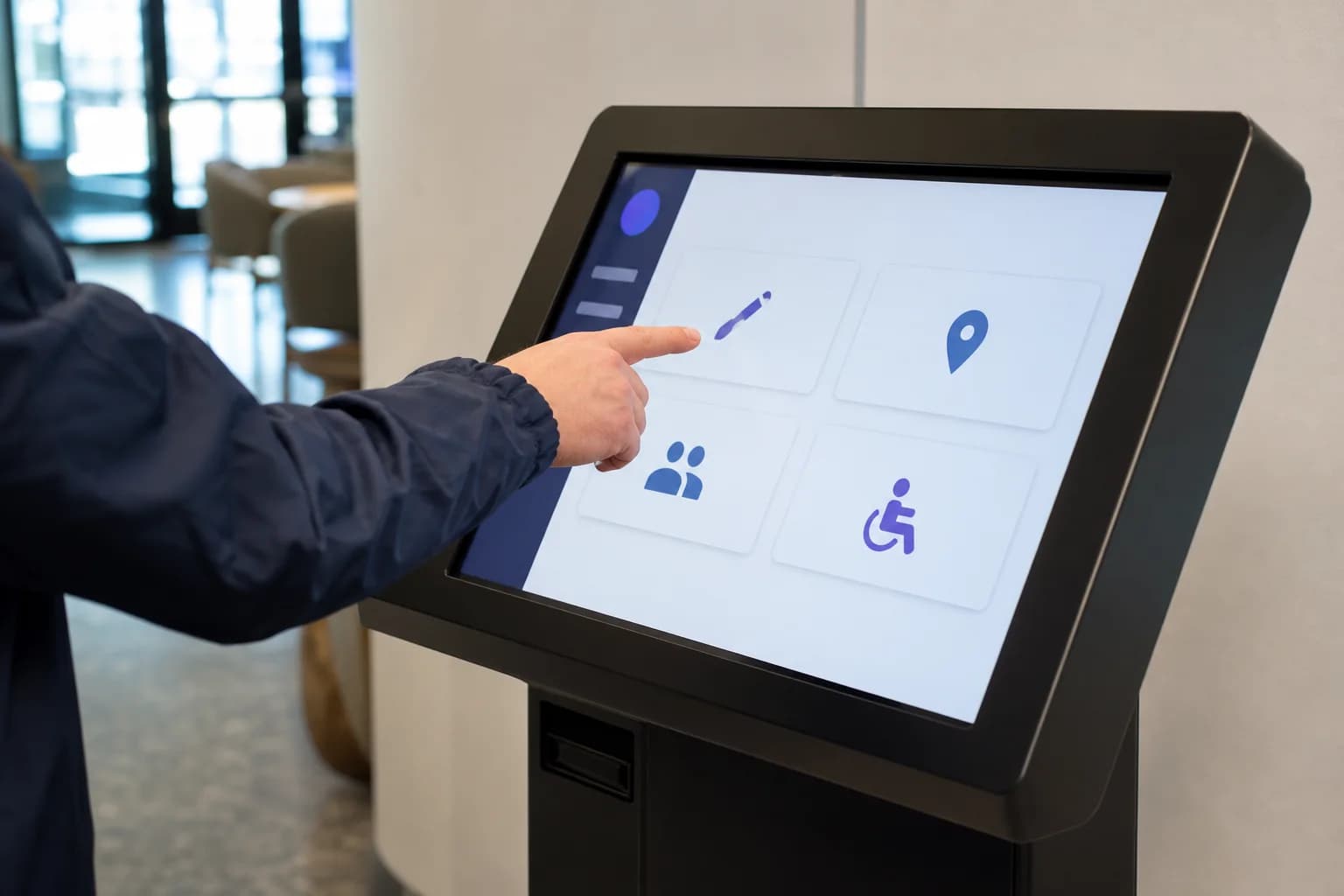
Kiosks, touch panels and large-format displays are selected around reach, glare, usage time, durability and the action the user needs to complete.
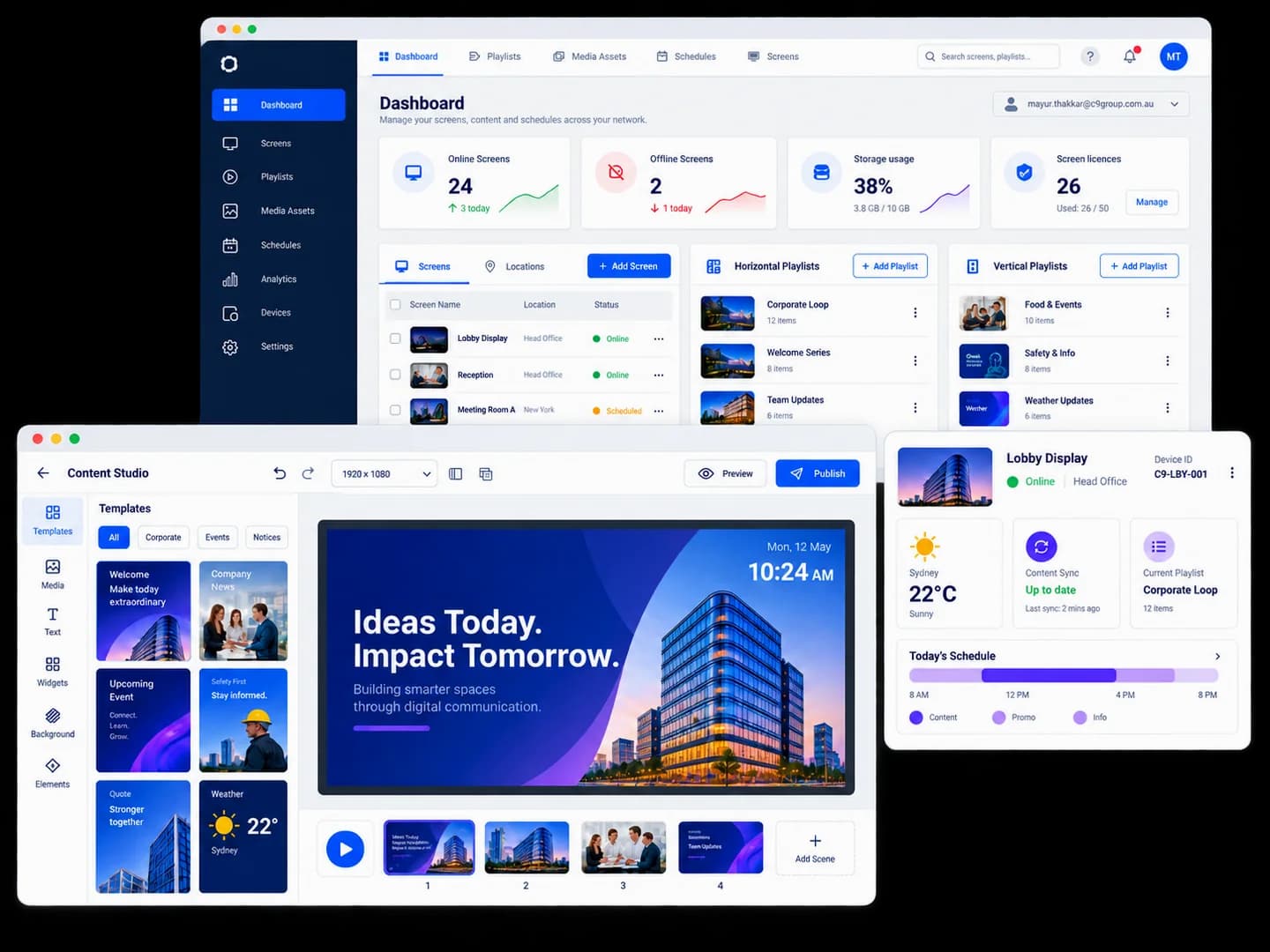
Screen messaging, campaign assets, playlists, schedules and publishing roles are planned so supporting content remains controlled after handover.
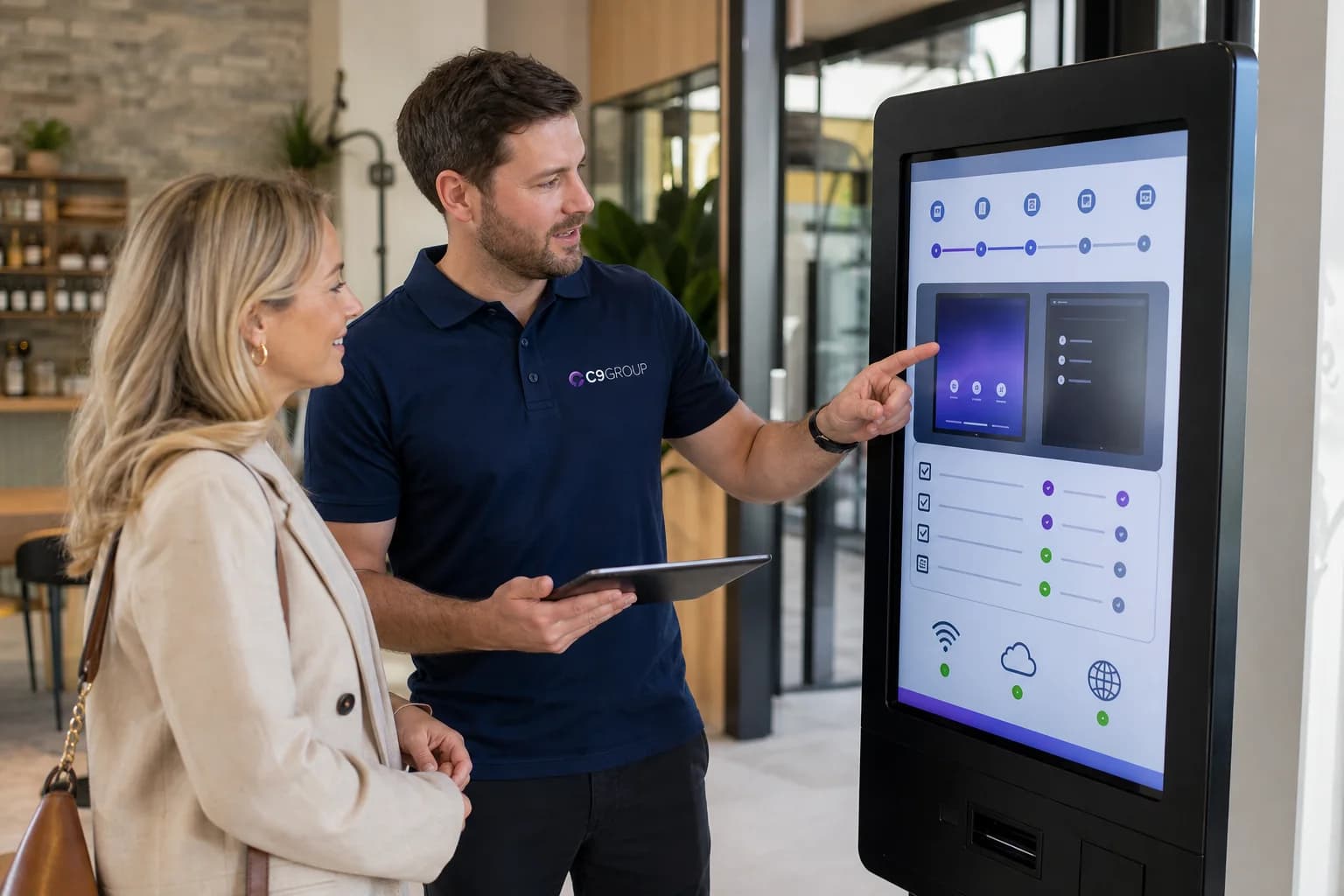
C9 coordinates site readiness, mounting, power, network access, stakeholder handover and the support path once the screen is live.
C9 compares kiosk, wayfinding, product discovery, healthcare, property and education use cases so the recommendation is based on the job the screen needs to do.
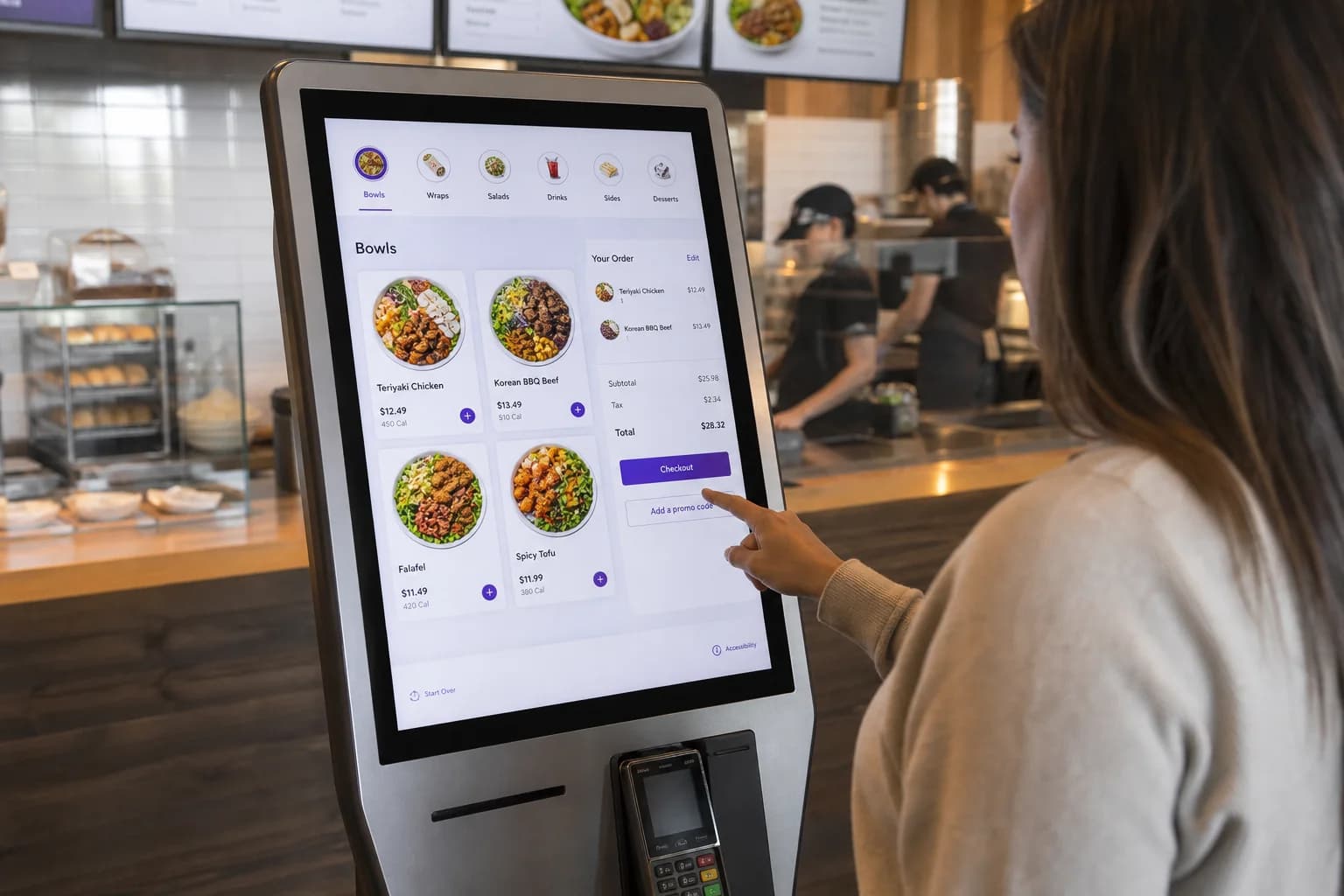
hospitality self-service
For cafes, QSR counters and busy food-service sites where customers can browse, order and reduce pressure at the counter.
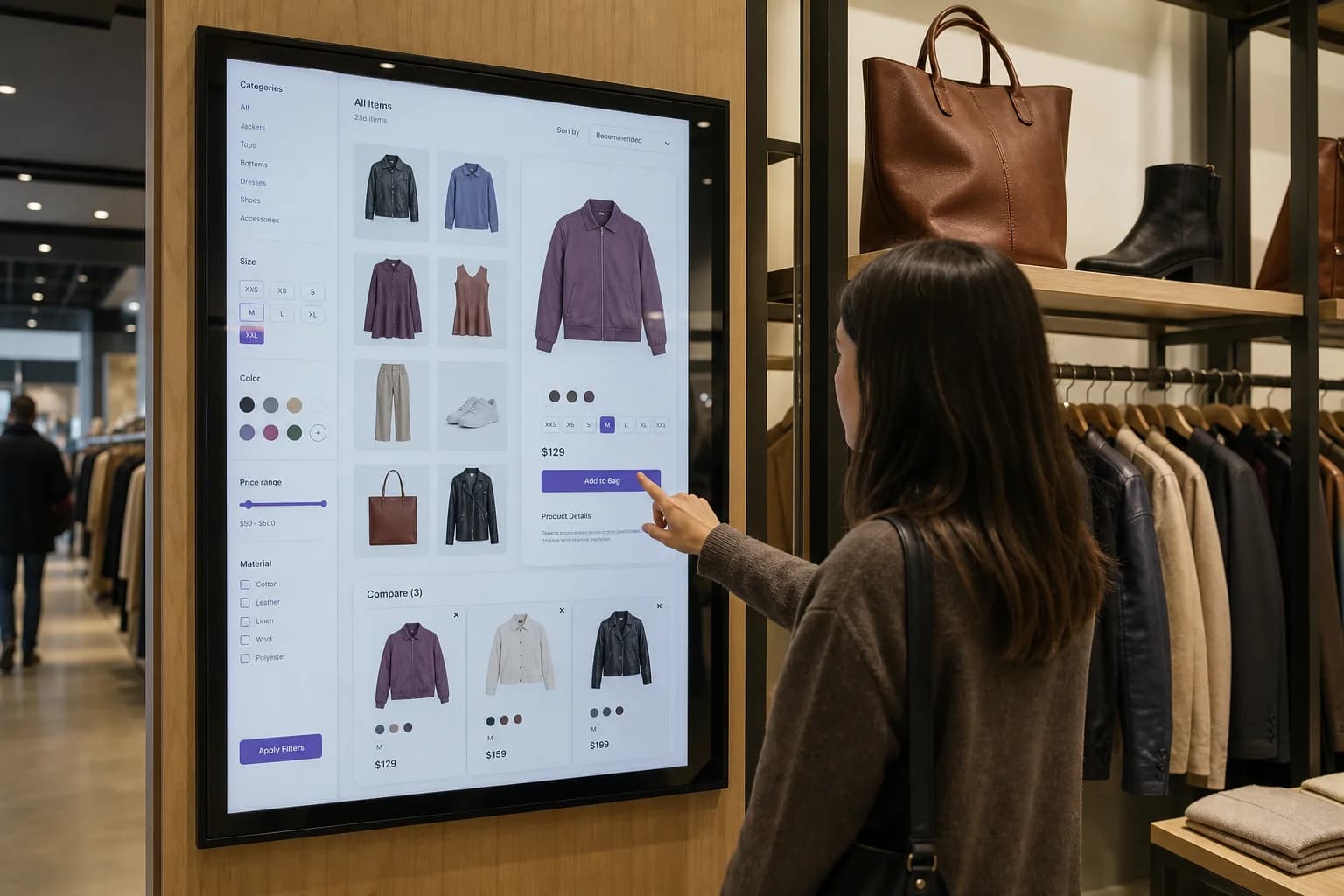
guided selling display
For stores where shoppers need help comparing products, checking options or finding the right range without waiting for staff.
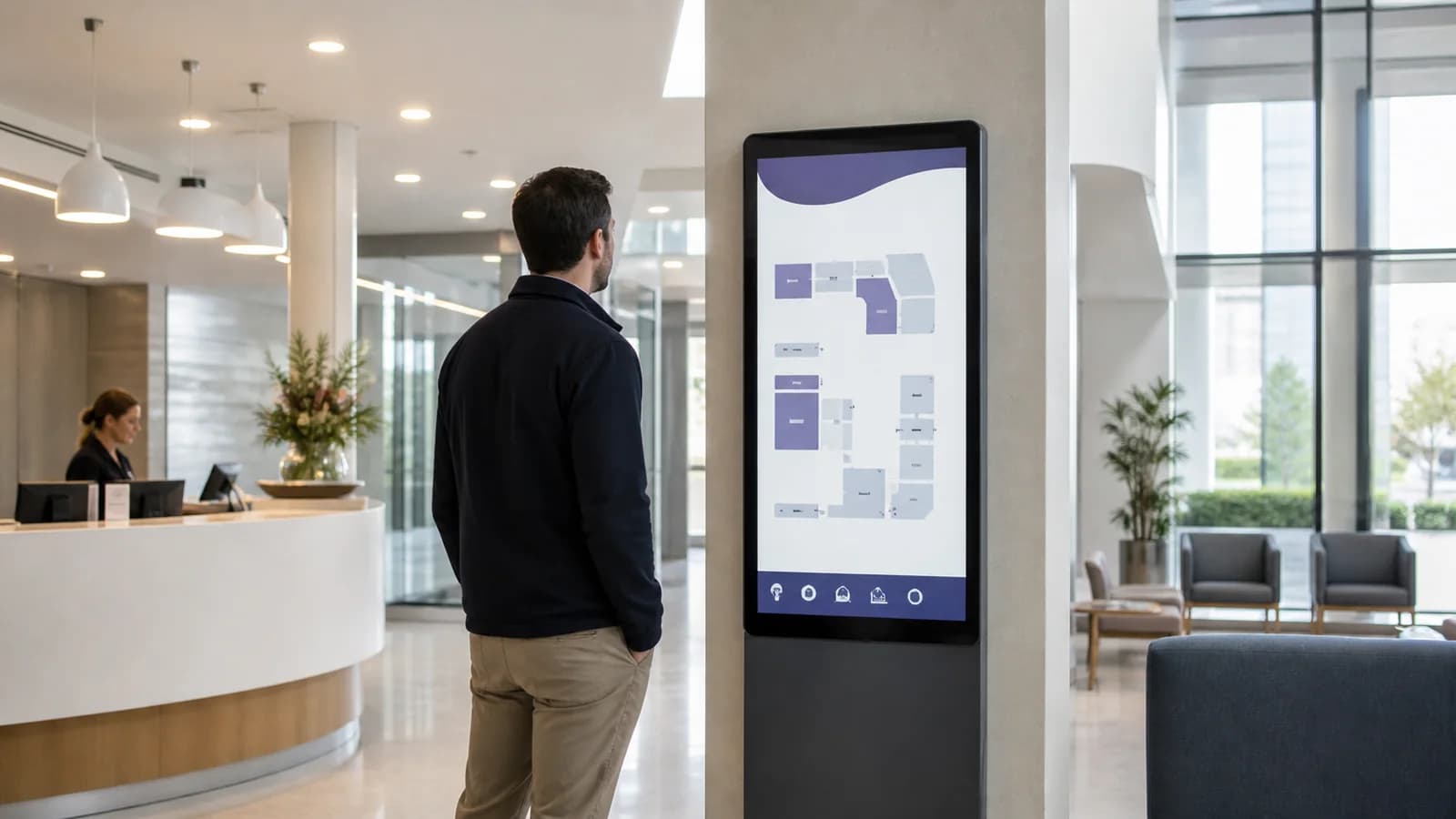
wayfinding display
For shopping centres, campuses, venues and larger buildings where people need a fast path to stores, rooms or services.
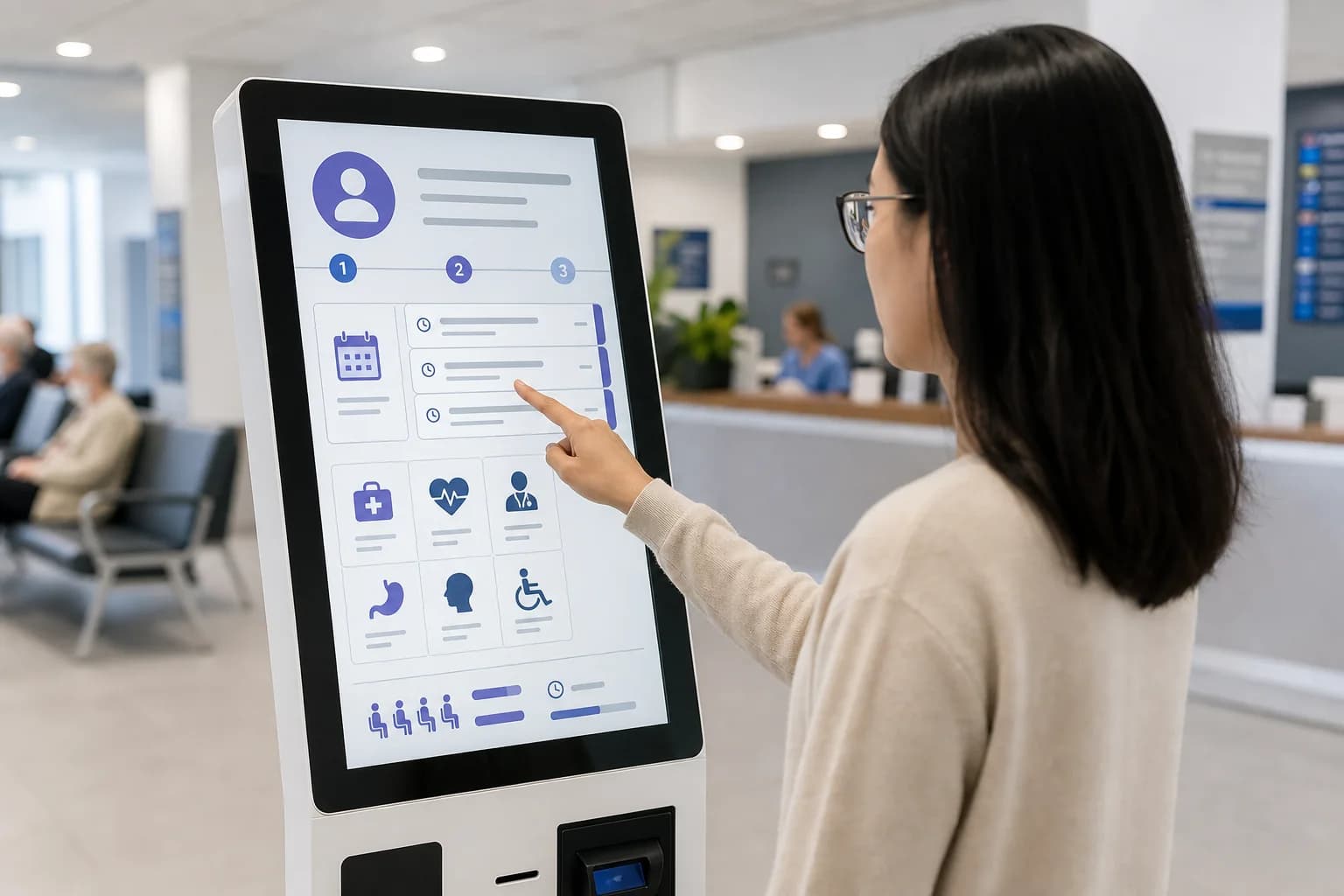
patient and visitor flow
For clinics, medical centres and hospital receptions where visitors need check-in, directions or queue guidance with less desk pressure.
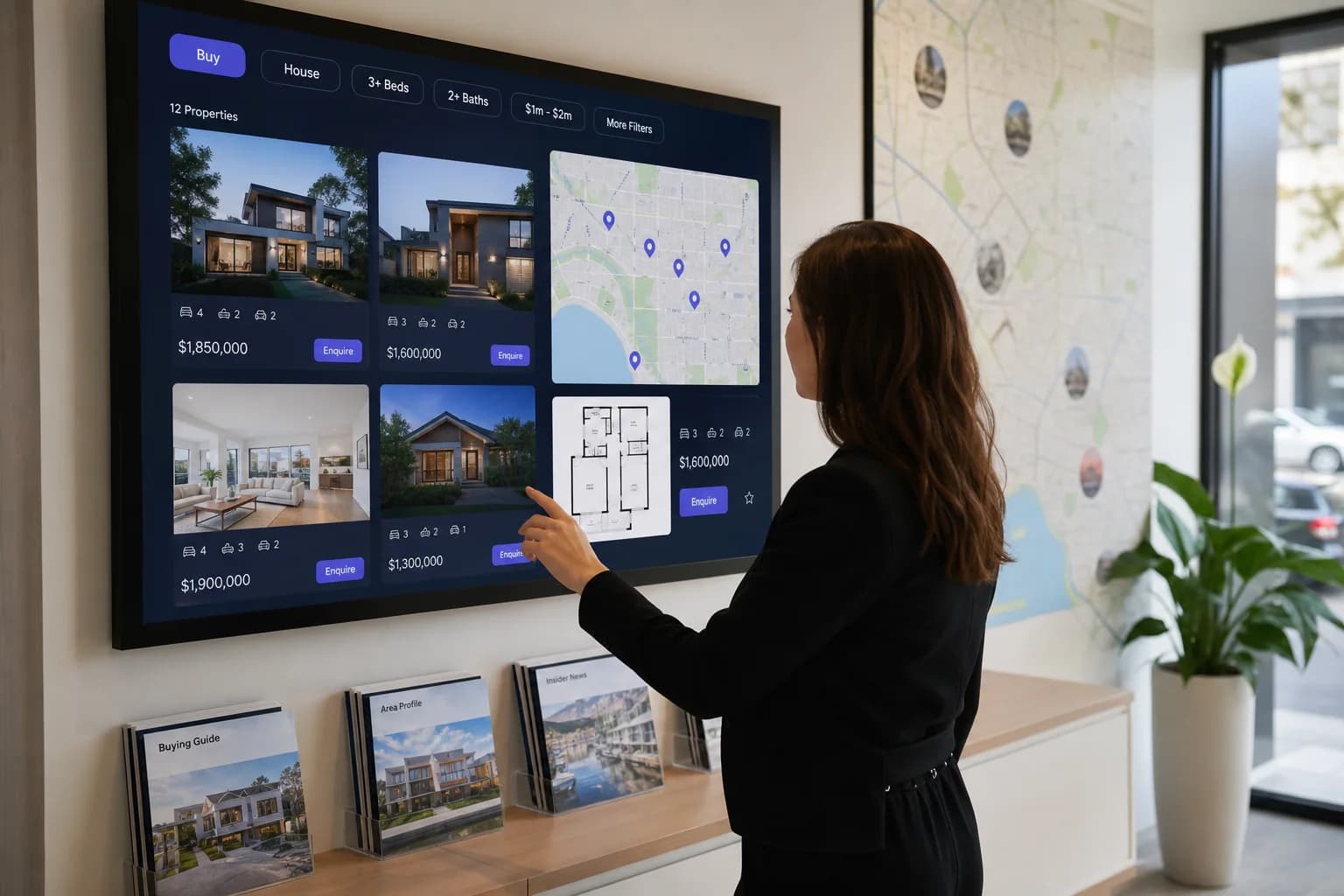
showroom touch display
For agencies and property showrooms where buyers can explore listings, maps, floorplans and campaign stock on a shared screen.
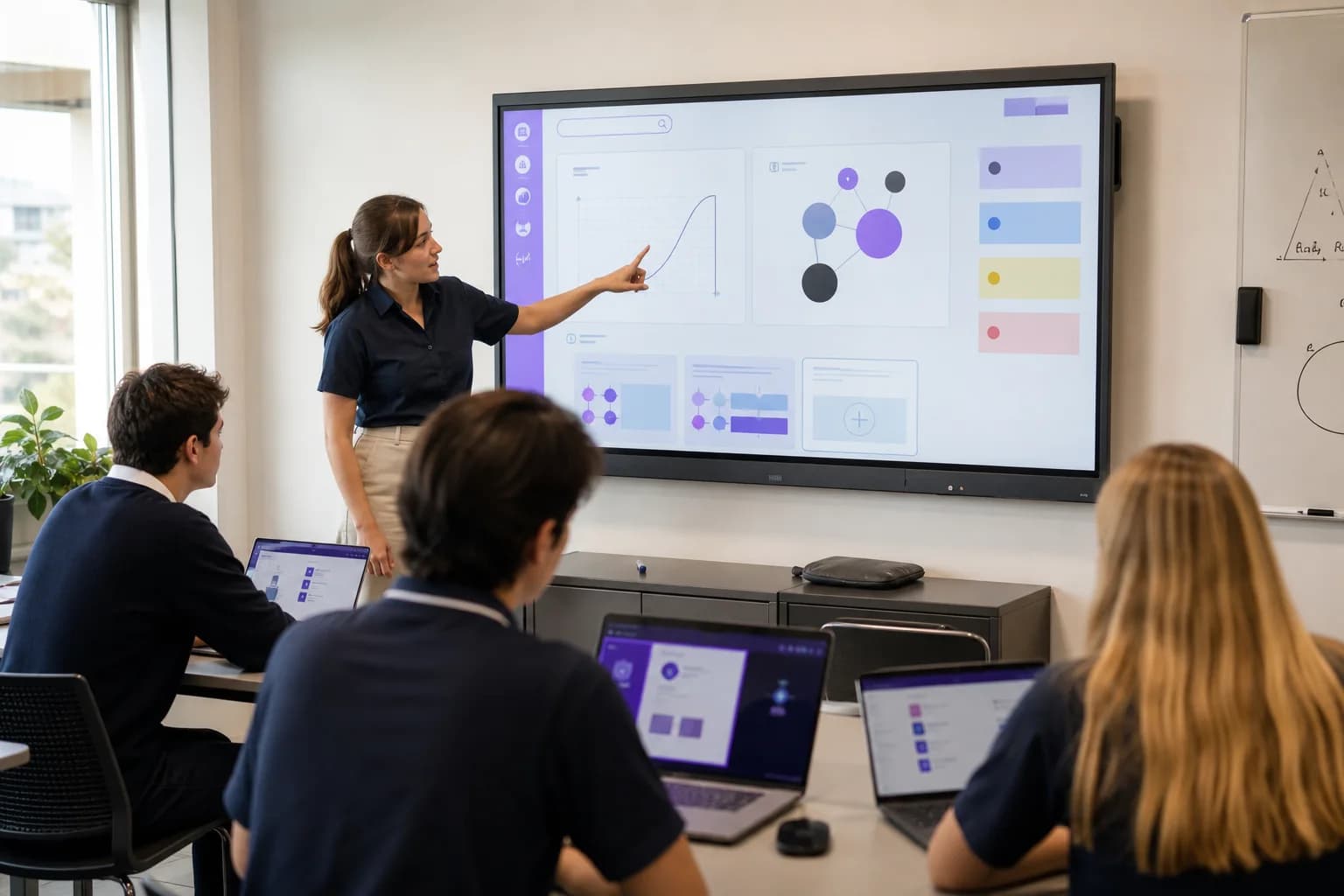
learning and collaboration
For classrooms, campus labs and training rooms where teams need a shared touch surface for lessons, workshops and collaboration.
Touch adds cost and planning. It is worth it when the user has a clear task to complete and the business has a clear owner for keeping the experience current.
Customers need to order
Restaurant ordering kiosk
Useful when menu browsing, ordering and queue pressure can move to a self-service screen.
Shoppers need help choosing
Retail product finder
Use touch for range browsing, product comparison, availability checks and guided selling support.
Visitors keep asking directions
Mall or venue directory
Use wayfinding when the building, campus or centre needs clearer visitor movement.
Reception queues build up
Healthcare check-in screen
Check-in, basic routing and queue guidance can reduce repeat questions at the desk.
Buyers need to explore stock
Real estate property finder
Listings, maps and floorplans can become a shared conversation tool in sales offices.
Teams need a shared canvas
Education and training panel
Large touch panels work best when lessons, workshops or room collaboration are the goal.
The first screen, number of taps, accessibility needs, privacy concerns and staff handoff.
Mounting height, glare, reach, traffic flow, power, network, security and physical durability.
Content owner, Lumina workflow, update rhythm, support path and future integrations.
We define what the user needs to complete and whether touch is the right answer.
Kiosk, wall-mounted touch, interactive panel or ultrawide options are compared around the site.
The screen journey is planned around simple actions, readable content and staff handoff.
Supporting playlists, schedules, campaigns and publishing roles are configured where Lumina is part of the workflow.
Mounting, power, network, accessibility and practical site access are coordinated before go-live.
C9 keeps ownership clear for troubleshooting, content changes and future improvements.
ACTIVE STAGE
Use case review
We define what the user needs to complete and whether touch is the right answer.
Choose which optional analytics and live chat tools C9 GROUP may use. You can change this later from the footer.